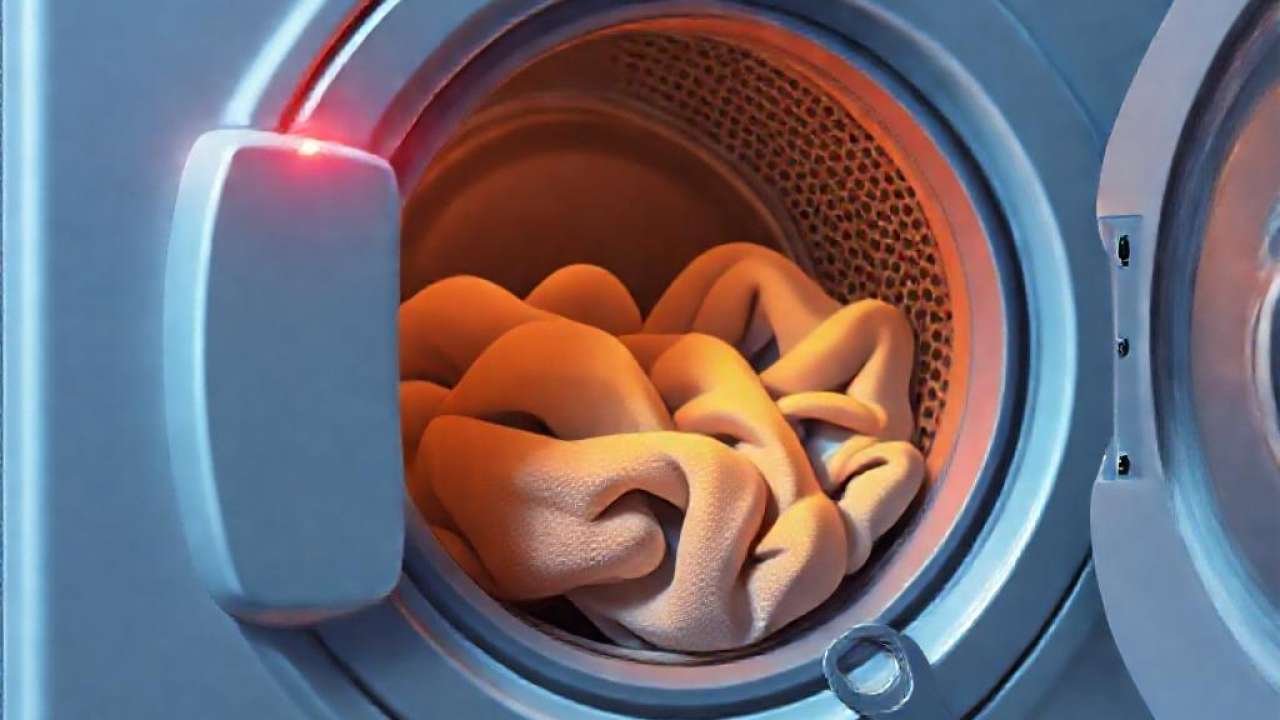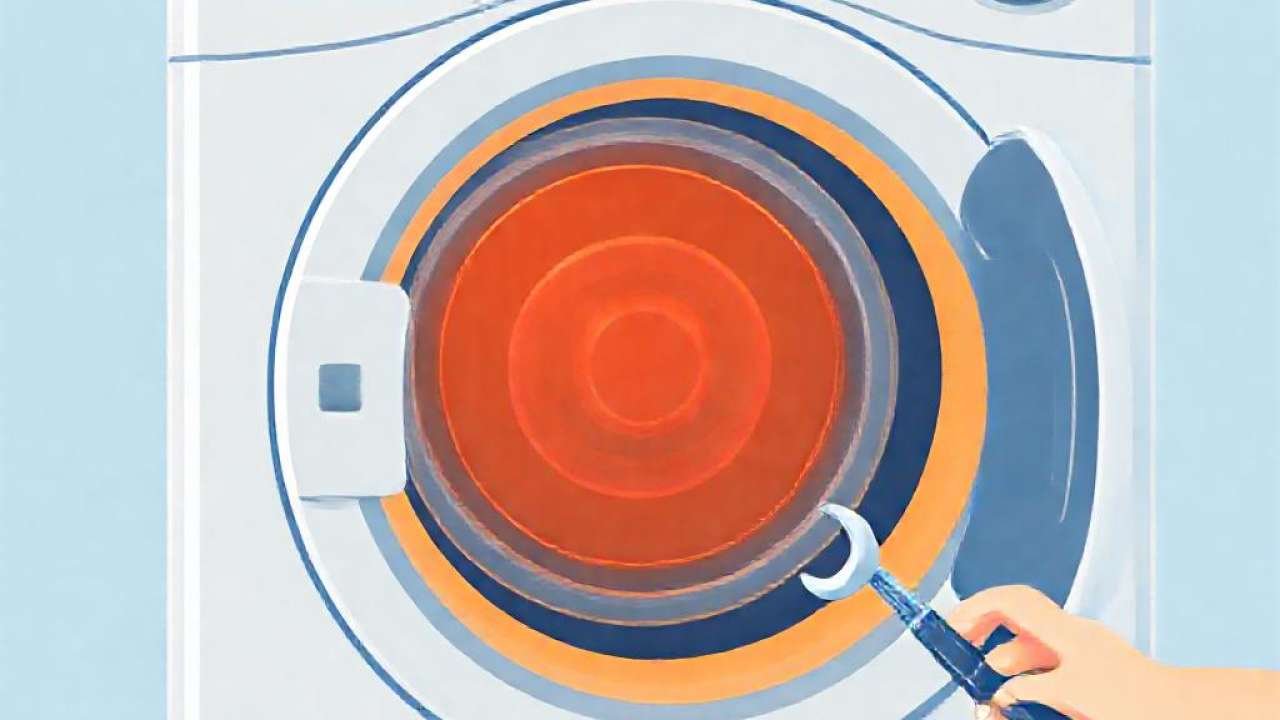
If you have recently encountered an LG Dryer D80 error code on the display of your appliance, you might be feeling concerned about your laundry routine. This error is not just a minor glitch; it is a critical warning signal issued by your machine’s built-in safety features to protect both your home and your appliance.
Understanding what this code means is the first step toward a quick and permanent resolution. In this guide, we will dive deep into the mechanics of the Flow Sense system, explain the significance of the D80 code, and provide actionable steps to restore your dryer to peak performance.
Understanding the LG D80 Error Code
The LG Dryer D80 error code specifically indicates that there is an approximate 80% restriction in the airflow coming from your dryer. When this code appears, the machine’s internal sensors have detected that air is not moving freely through the exhaust system, which can lead to dangerous overheating and inefficient drying cycles.
It is important to recognize that this is a safety-driven notification. By halting the cycle or alerting the user, the dryer prevents fire hazards caused by excessive heat buildup. If left unaddressed, this lack of airflow can also damage the internal heating elements and the motor of your dryer due to the unnecessary strain.
The Relationship Between D80, D90, and D95 Codes
The D80 error is part of a specific sequence of warnings used by LG to communicate the severity of a ventilation issue. While D80 signals an 80% blockage, you may also encounter D90 or D95 error codes. These represent even more severe obstructions, indicating that 90% or 95% of the airflow is being blocked, respectively.
Recognizing these variations helps you understand the urgency of the situation. A D80 code suggests you should investigate immediately, whereas a D90 or D95 code indicates a near-total blockage that requires instant attention before the unit can be safely operated again. All three codes stem from the same fundamental problem: restricted airflow.
How the Flow Sense System Works
Modern LG dryers are equipped with a sophisticated technology known as the Flow Sense system. This system is designed to monitor the movement of air as it exits the dryer through the exhaust vent. By measuring the pressure and velocity of the air, the dryer can determine if the path is clear or if lint is building up in the lines.
The Flow Sense technology acts as an early warning system. Instead of waiting for the dryer to overheat or for an actual fire to occur, the sensor detects the gradual decrease in airflow efficiency. This proactive approach allows homeowners to perform routine maintenance, such as cleaning the vent, before the appliance becomes unusable.
Common Causes of Airflow Restriction
The most frequent culprit behind the LG Dryer D80 error code is a heavy accumulation of lint within the vent line. Over time, tiny fibers from your laundry bypass the lint filter and settle in the ductwork, creating a thick, insulating layer that prevents air from escaping effectively.
Other common causes include crushed or kinked ductwork, which often happens if the dryer is pushed too far back against the wall. Additionally, an overly long vent run or a blocked exterior vent cover—often caused by bird nests, debris, or insects—can significantly impede the exit of hot air, triggering the error message.
The Importance of Proper Venting Materials
Not all dryer vents are created equal, and using the wrong materials can lead to frequent error codes. For example, using plastic or foil venting is highly discouraged. These materials are prone to sagging, kinking, and tearing, which creates «pockets» where lint can easily collect and harden.
To ensure the longevity of your dryer and avoid the D80 error, it is vital to use rigid metal ductwork whenever possible. Rigid pipes provide a smooth, straight path for air and are much more resistant to the heat and buildup that cause airflow blockages. Properly installed venting is a key component of appliance safety.
Step-by-Step Troubleshooting and Solutions
If you see the D80 code, your first step should be a simple one: clean the lint filter. While the filter is designed to catch most debris, a heavily clogged filter can still trigger airflow warnings. Ensure the filter is free of any visible buildup and that it is properly seated in its slot.
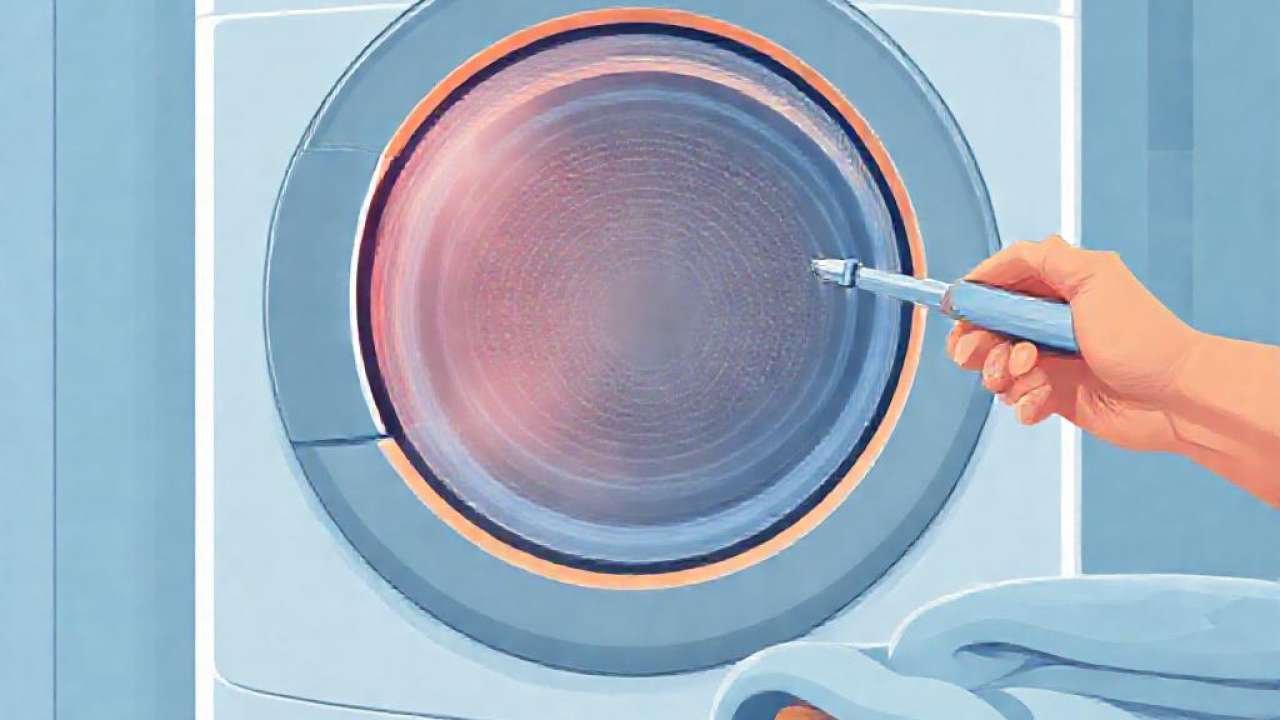
Next, perform a thorough inspection of the entire ventilation system. Disconnect the dryer from the wall and check the flexible transition duct for any kinks or collapses. Follow the vent line all the way to the exterior of your home to ensure the exit vent is clear of debris. If you find a blockage, use a vent cleaning brush or a vacuum to remove the buildup.
When to Call a Professional Technician
If you have thoroughly cleaned the lint filter, checked the exterior vent, and confirmed that the ductwork is straight and clear, but the LG Dryer D80 error code still persists, the issue may be internal. In such cases, the problem might lie with the dryer’s internal sensors or the Flow Sense components themselves.
At this stage, it is best to contact a certified LG technician. They have the tools to test the sensor’s accuracy and can inspect the internal heating assembly or the blower motor for faults. Attempting to disassemble the dryer’s internal electronics without proper training can lead to further damage or void your warranty.
Recommended Video Guide
Conclusion
In summary, the LG Dryer D80 error code is a vital safety feature designed to alert you to an 80% restriction in airflow. By understanding that this code—along with D90 and D95—is a response to the Flow Sense system detecting a blockage, you can take the necessary steps to secure your home and your appliance.
Regularly cleaning your lint trap, inspecting your vent lines for kinks, and ensuring you are using high-quality metal ducting will prevent most issues. If maintenance doesn’t solve the problem, don’t hesitate to seek professional help to ensure your LG dryer continues to operate safely and efficiently.