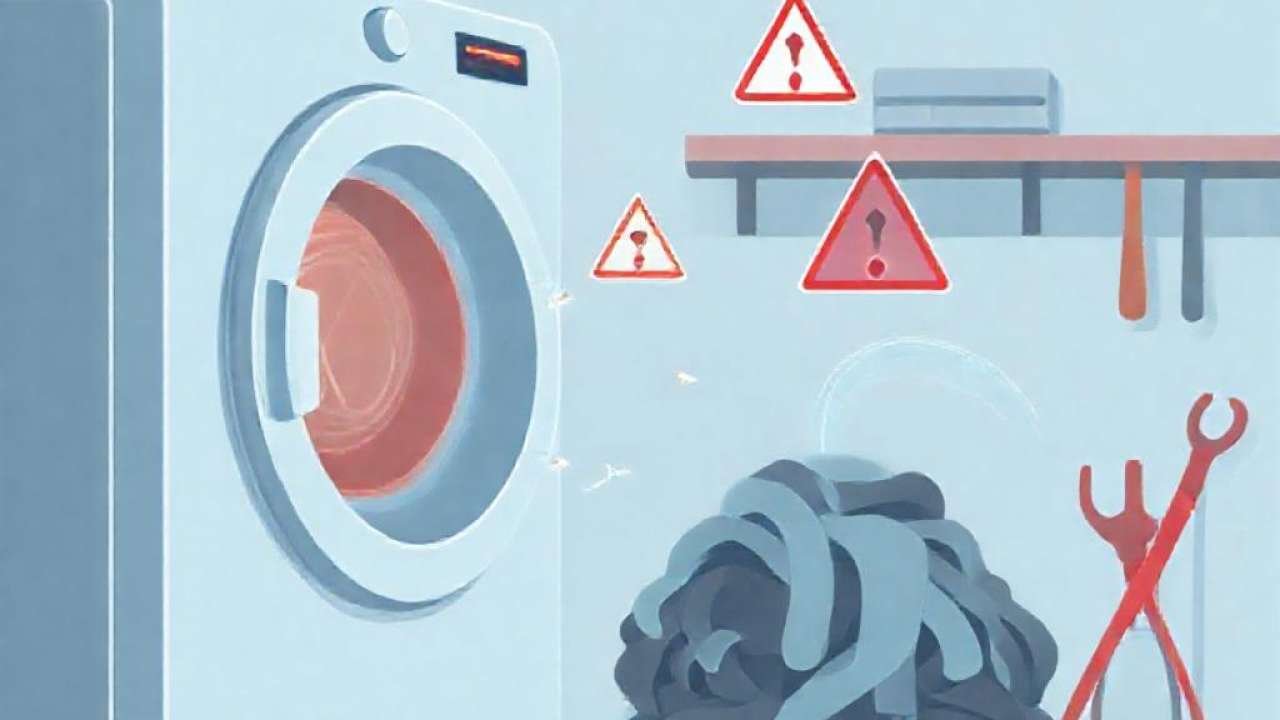
If you are currently staring at a blinking display on your appliance, you are likely dealing with a technical malfunction. When a Samsung dryer DC error code appears, it typically indicates a communication failure or a hardware issue within the internal control systems. Understanding what this code means is the first step toward getting your laundry routine back on track.
While a DC error can feel overwhelming, it is often a symptom of a specific component failure rather than a total machine breakdown. By diagnosing the meaning and common causes of this code, you can determine whether the fix requires a simple reset or a professional technician to replace a vital part like the main control board or the motor assembly.
Understanding the Samsung Dryer DC Error Code
The «DC» designation in Samsung error logic often refers to a «Direct Current» or communication error between the power supply and the main control board. In many instances, this code triggers when the dryer detects an irregular voltage or an interruption in the electrical signal required to drive the motor components or the heating element.
When the display flashes this code, the machine enters a safety mode to prevent electrical damage. It is a protective measure designed to shut down operations if the system detects that the electrical current is unstable or if a component is drawing more power than it is rated for. This prevents overheating and potential fire hazards within the drum assembly.
Common Causes of Electrical Communication Failures
One of the most frequent reasons for a Samsung dryer DC error is a malfunctioning main control board. This board acts as the brain of the appliance, coordinating signals between the user interface and the mechanical parts. If the board suffers from a short circuit or burnt components, it can no longer send the correct electrical signals, resulting in a DC error.
Another common cause is a faulty wiring harness. Over time, the vibrations from the drying cycle can cause wires to loosen, fray, or even disconnect entirely. If the connection between the board and the motor is interrupted, the system will report a communication failure, triggering the error code on your digital display.
The Role of the BLDC Motor in Error Reporting
Modern Samsung dryers often utilize BLDC (Brushless DC) motors for efficiency and durability. While these motors are highly reliable, they are sensitive to electrical irregularities. If the motor detects a fault in how it receives power, it can trigger a cascade of error codes that might manifest as a DC-related issue.
Specifically, error codes such as 3C through 3C8 indicate various motor faults detected by the drum inverter. For example, code 3C1 is a specific indicator of an overloading fault, which happens when there is too much laundry in the drum, causing the motor to struggle. While it might not always start with «DC,» these motor issues are deeply tied to the electrical current regulation of the machine.
Interpreting Related Error Codes: 3CA and 3C8
To fully diagnose your dryer, you must look at the surrounding error code logic. For instance, codes 3CA through 3CA7 signify motor faults detected by the compressor inverter. These codes often overlap with DC error symptoms because they both involve the mismanagement of electrical power within the inverter system.
If your dryer displays these specific numbers instead of a generic DC code, it narrows down the problem significantly. Instead of looking at the entire electrical system, you can focus your attention on the drum inverter or the motor connections. This precision helps in saving time during the diagnostic process and ensures you don’t replace parts that are still functioning correctly.
Checking for Blockages and Vent Conditions
While DC errors are primarily electrical, it is always wise to rule out mechanical strain that could lead to electrical surges. For example, a vent blockage can cause the dryer to overheat. Although a blockage is often represented by a «Code 0» in some diagnostic tests to indicate a «good» condition, a failed vent test can lead to increased resistance in the system.
When the air cannot escape the dryer, the motor has to work significantly harder to spin the drum, which increases electrical consumption. This increased load can put stress on the power supply, potentially causing the control board to trigger an error code due to the irregular power draw required to maintain the cycle.
How to Perform a Basic Troubleshooting Reset
Before calling a technician, you can attempt a simple power reset to clear any temporary glitches. Unplug the dryer from the wall outlet and wait for at least ten minutes. This allows the capacitors on the control board to discharge completely, which can sometimes clear a «ghost» error code caused by a minor voltage spike.
After the waiting period, plug the dryer back in and attempt to run a short cycle. If the Samsung dryer DC error reappears immediately, it is a strong indicator that the issue is hardware-based—such as a failed door switch, a faulty motor, or a damaged control board—and will require professional intervention.
Professional Diagnostics and MyPros+ Solutions
If basic troubleshooting fails, you may need access to more advanced diagnostic tools. Specialized services like MyPros+ offer consumers access to full diagnostic procedures and step-by-step tests. These resources are invaluable when trying to distinguish between a simple door switch error (Code 3) and a complex motor inverter fault.
Utilizing professional-grade diagnostic logic allows you to approach the repair with confidence. Instead of guessing which internal component has failed, you can follow a structured path to pinpoint the exact cause of the error, ultimately saving money on unnecessary parts and reducing the downtime of your appliance.
Recommended Video Guide
Conclusion
Dealing with a Samsung dryer DC error code can be frustrating, but knowing the potential causes—ranging from control board failure to BLDC motor faults—can simplify the repair process. Whether the issue is a simple overload or a complex electrical communication failure, identifying the specific code is the key to a successful fix.
Always remember to prioritize safety by disconnecting the power before inspecting any internal wiring. By understanding the relationship between your dryer’s motor, inverter, and control board, you can better manage your appliance’s maintenance and ensure your laundry stays on schedule.